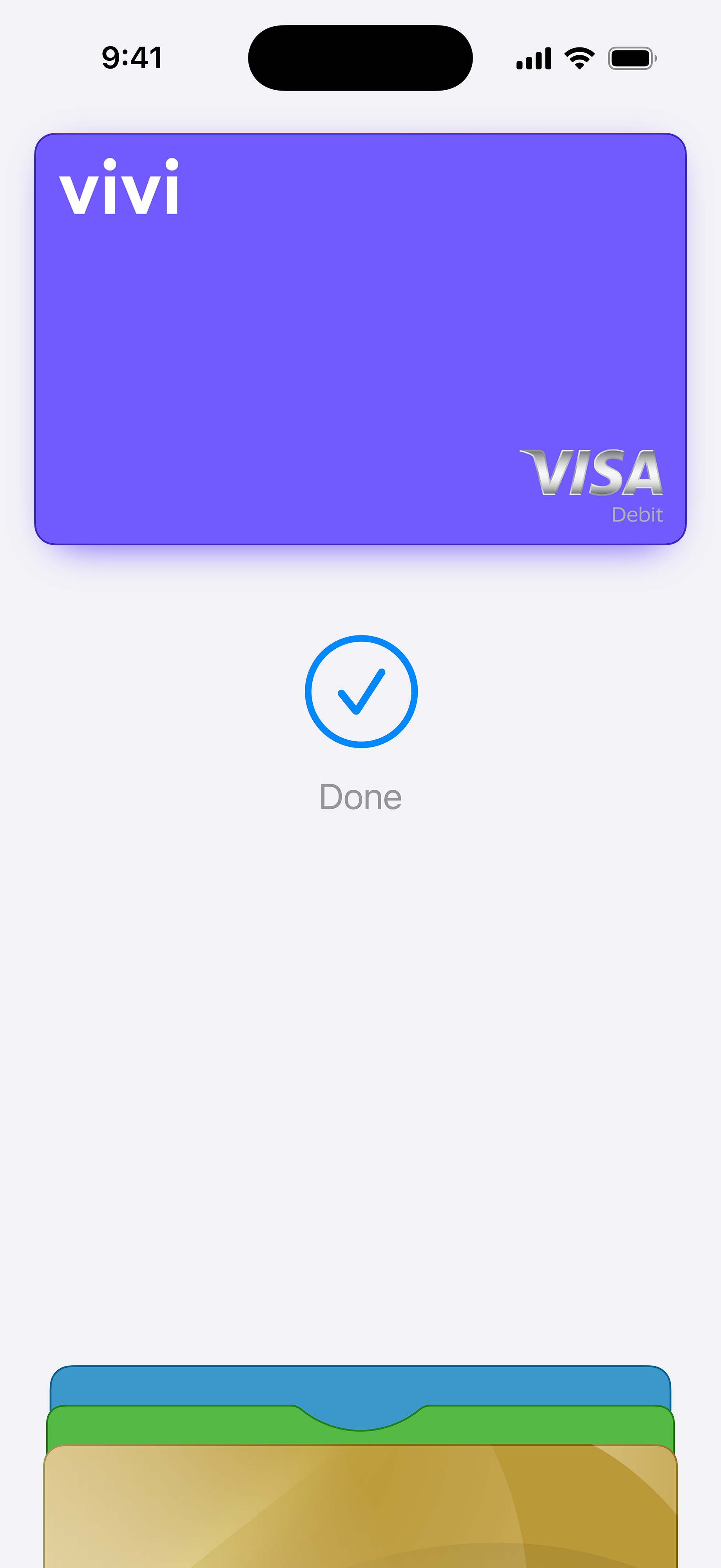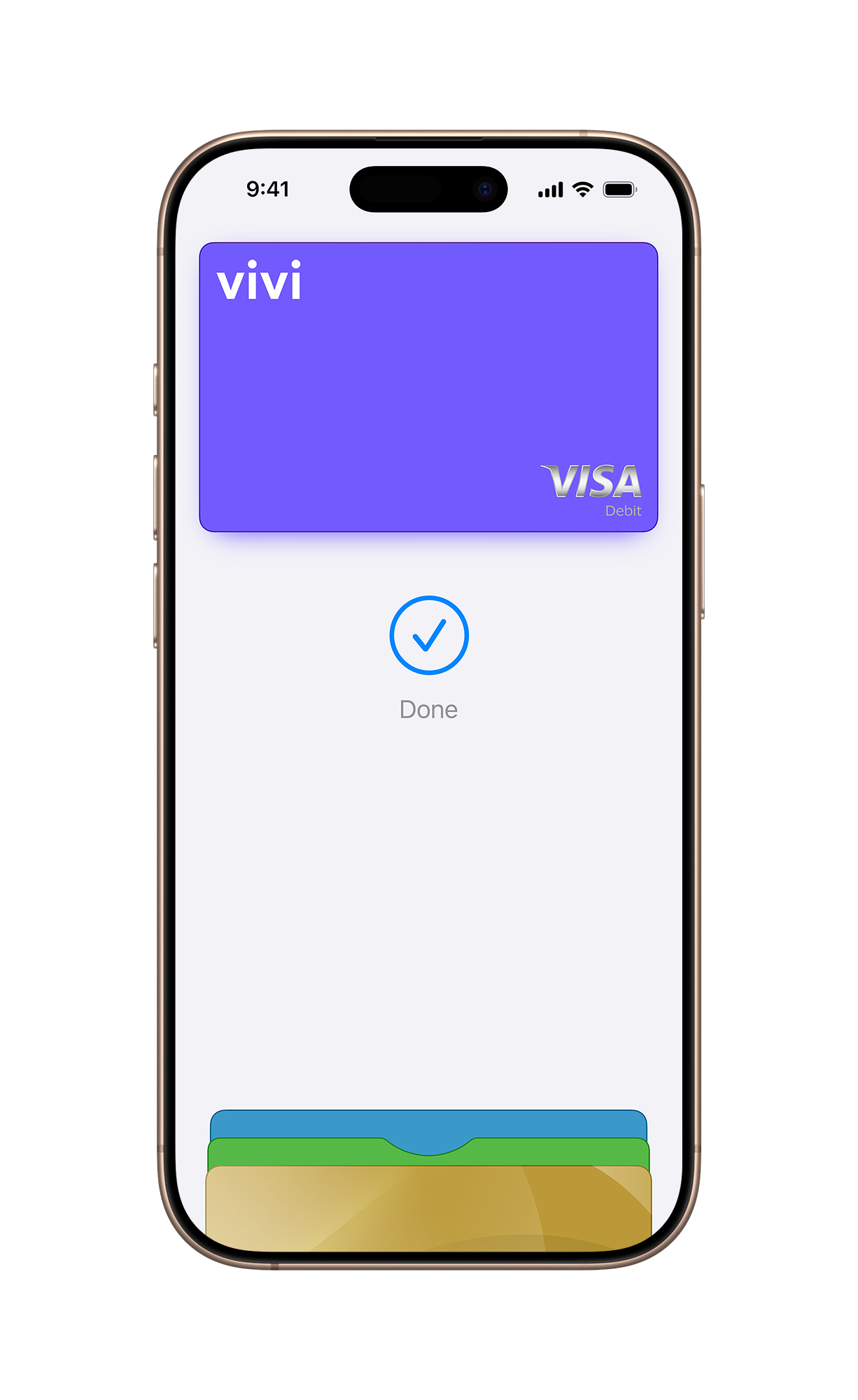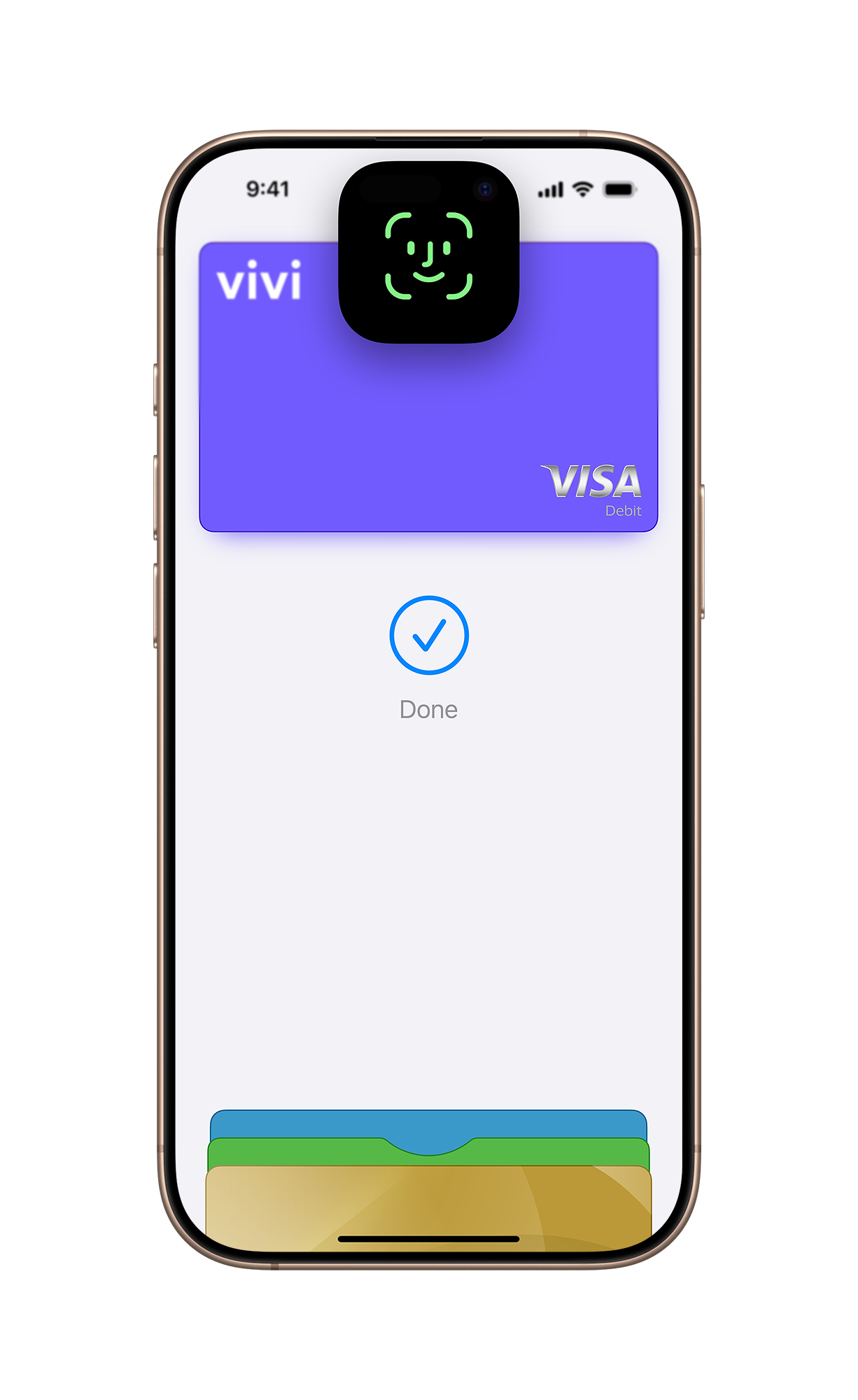
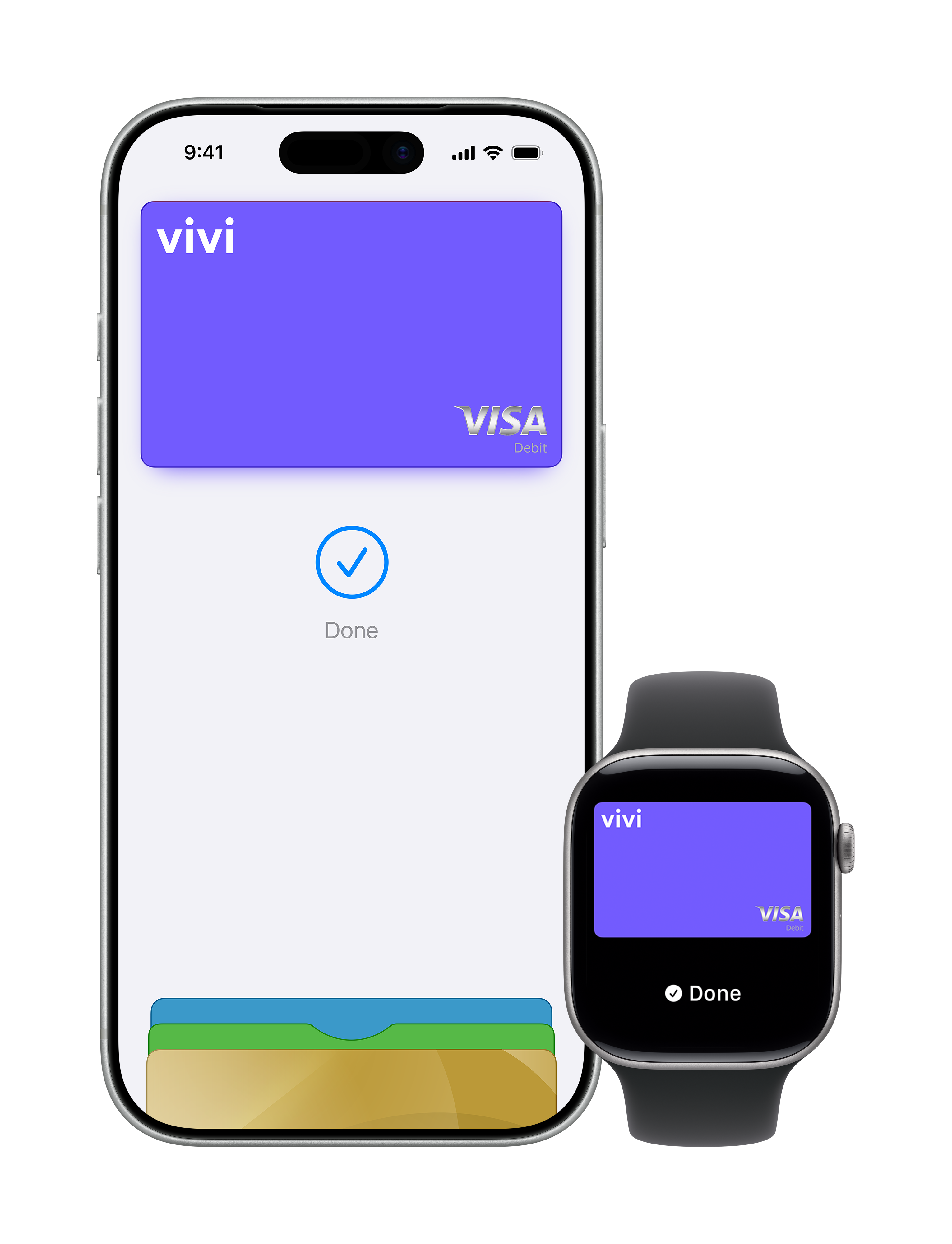
Your iPhone is now your Vivi card.
An easy, secure and private way to pay.
Apple Pay lets you make purchases with your Vivi card using any Apple device — just like you would with your physical card — in stores, online and in apps.
Add your card now >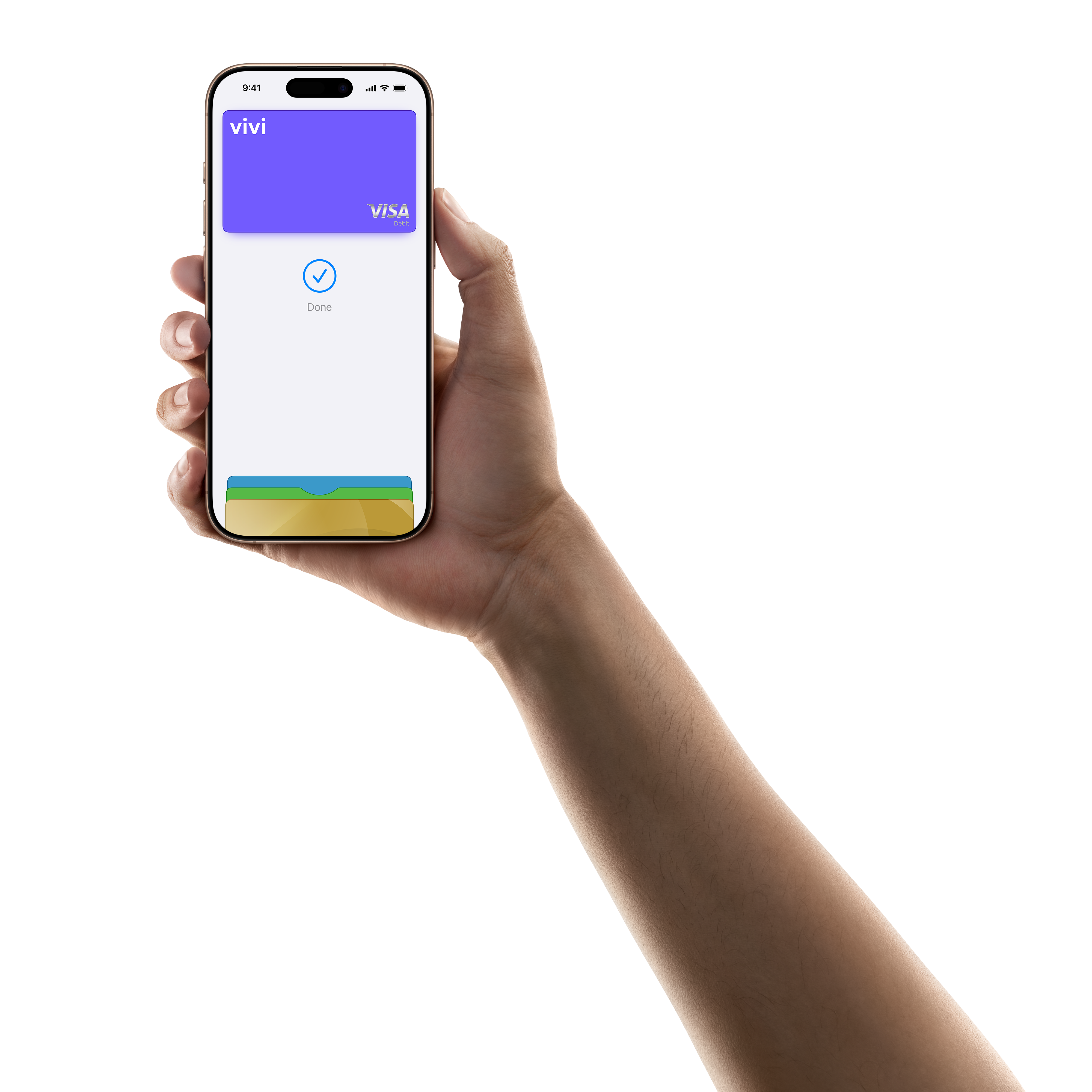
Easy across your Apple devices
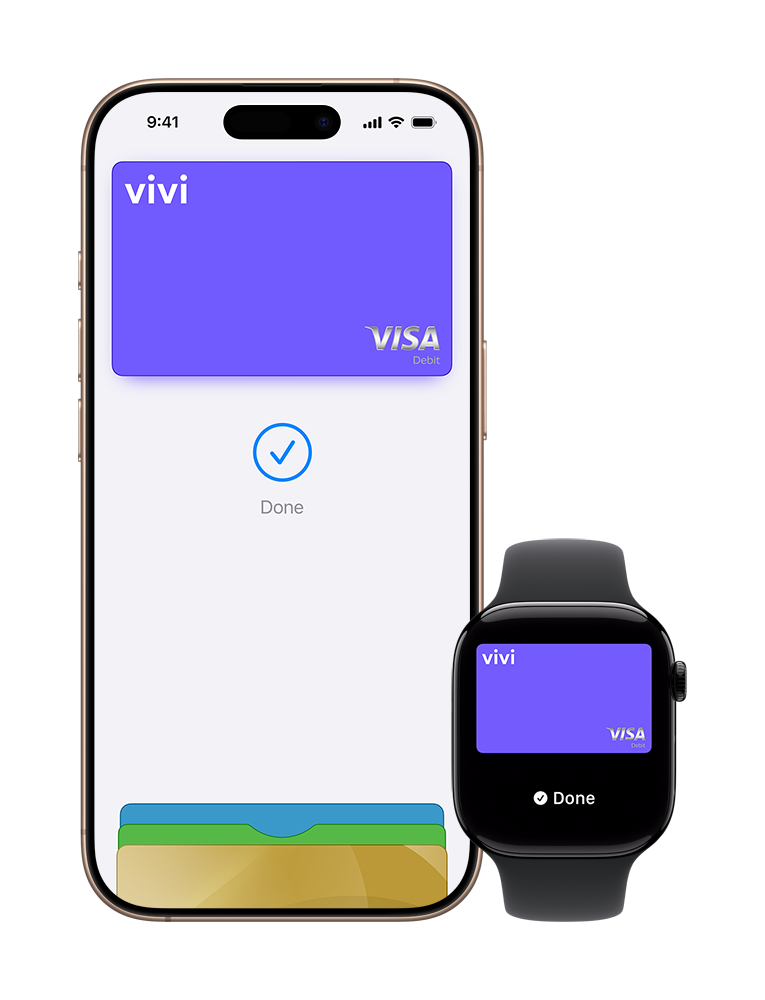
Apple Pay on one. Apple Pay on all.
Apple Pay is built into iPhone, Apple Watch, Mac, iPad and Apple Vision Pro. If you add your Vivi card to Apple Wallet on iPhone, you’ll have the option to add it to your other Apple devices in one easy step.
Where to use Apple Pay
Shop in person. Online. Or in apps.
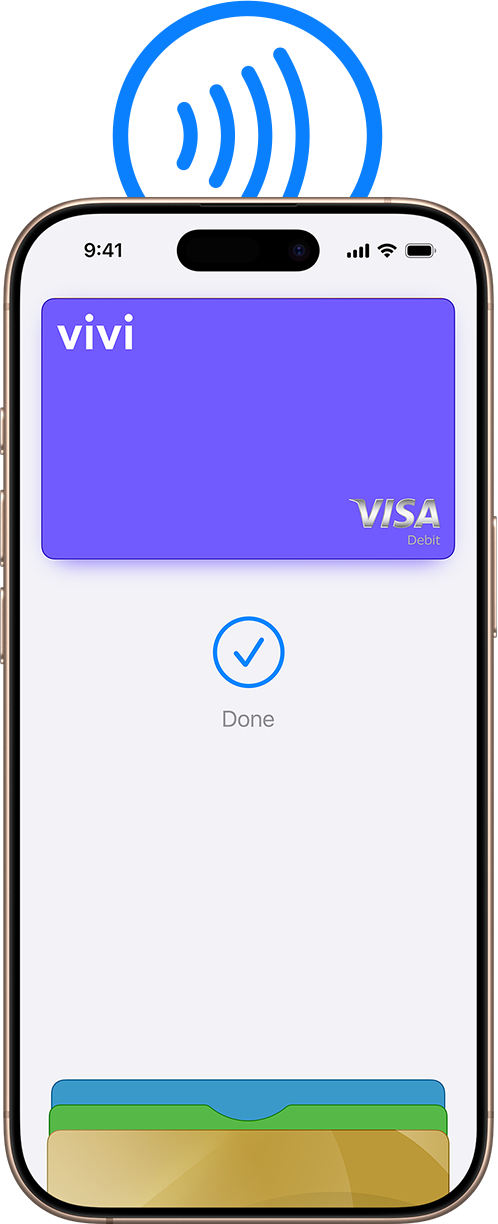
Apple Pay is accepted by millions of merchants around the world. Just look for the Apple Pay mark or the contactless payment symbol at checkout and pay with your Vivi card.
To check out with Apple Pay if you’re on a computer but not using Safari or a Mac, click the Apple Pay button and scan the code that appears onscreen with your iPhone.

Easy checkout
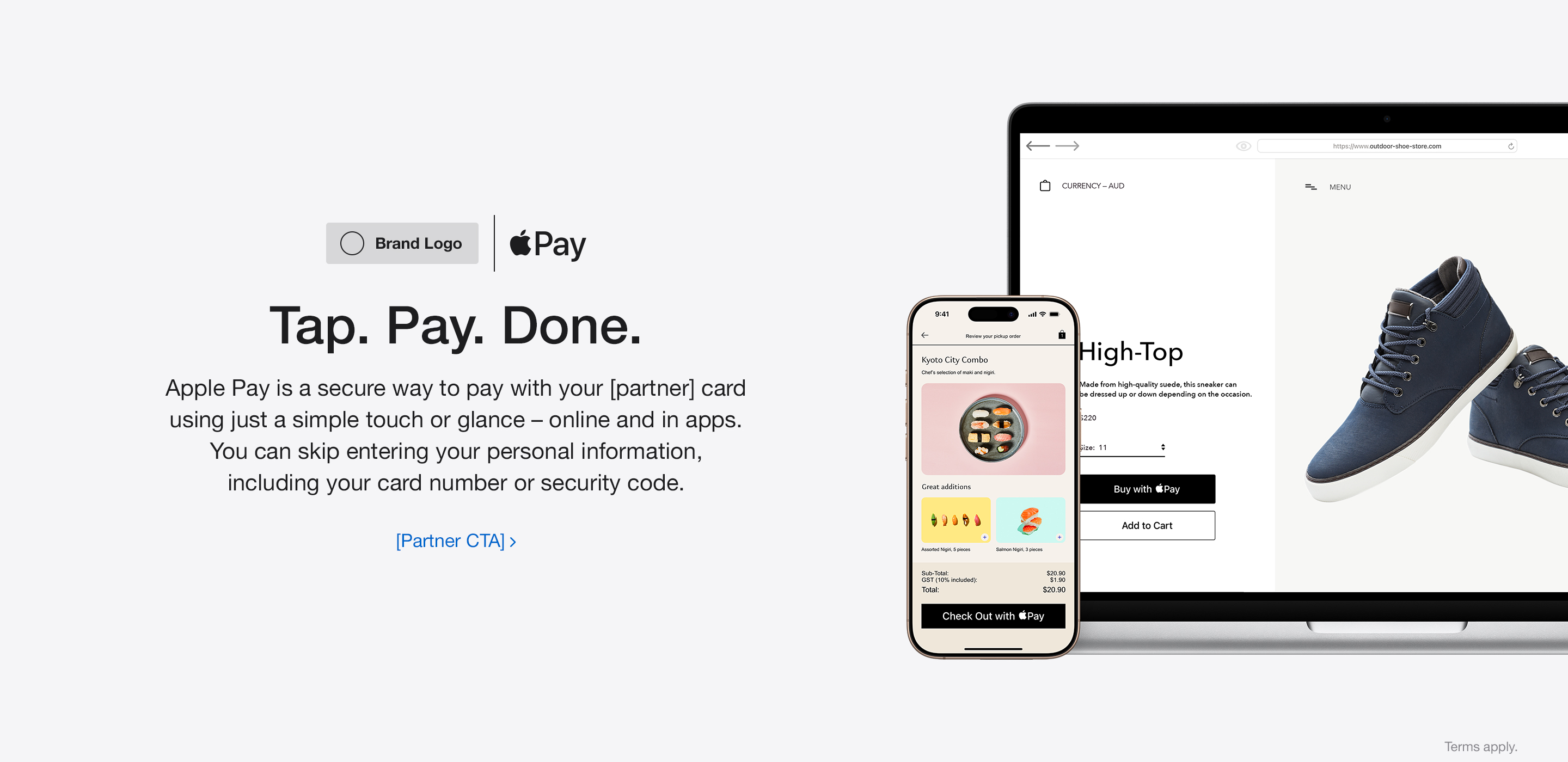
Tap. Pay. Done.
Apple Pay lets you skip entering your address or CVC code at checkout — so you can pay with your Vivi card with a simple glance or touch.
Private and secure
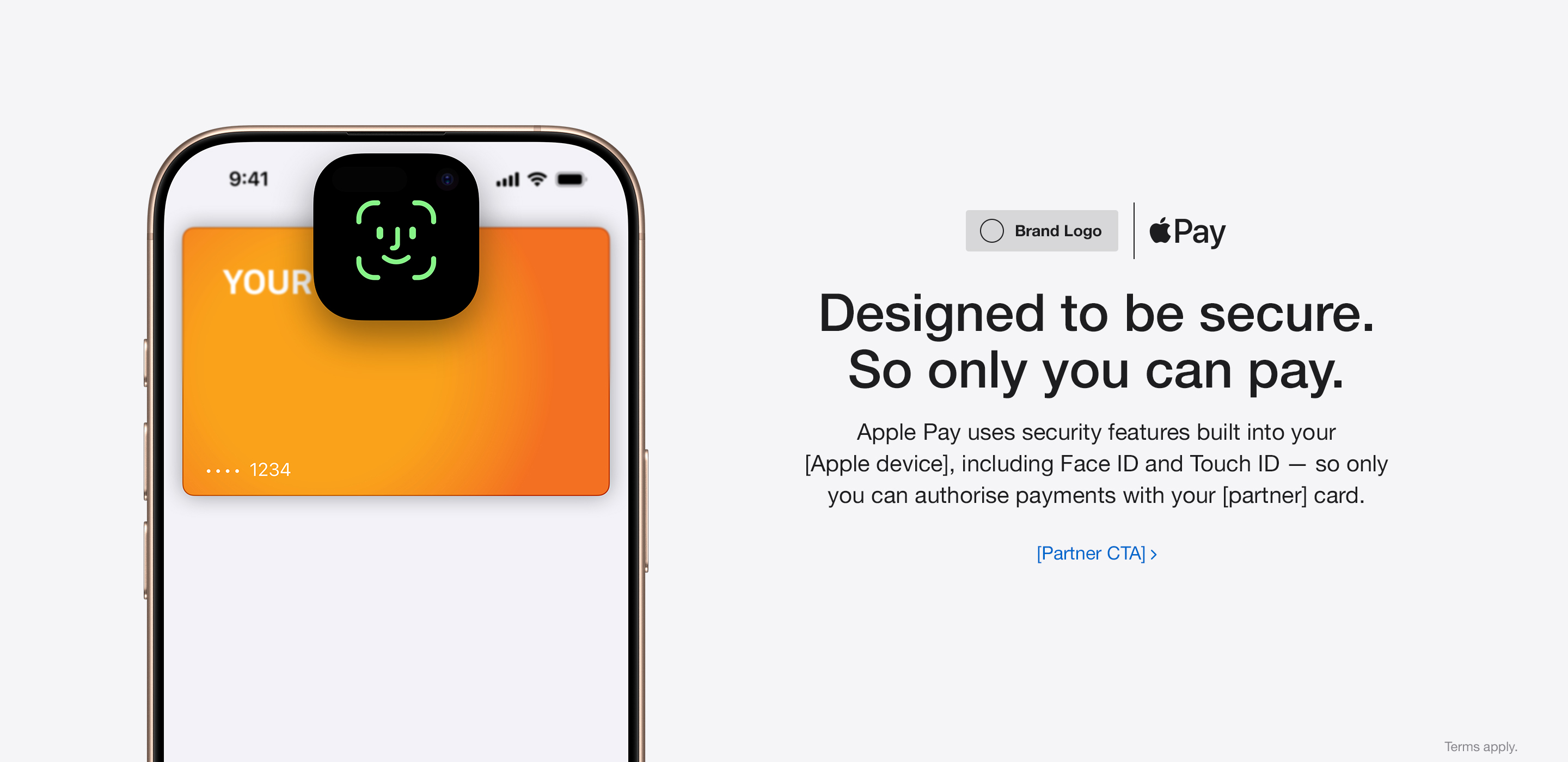
Designed to be secure. So only you can pay.
Every Apple Pay transaction requires authentication through your device’s built-in security features — including Face ID, Touch ID and your passcode. Your debit or credit card number is never shared with merchants or stored on Apple servers. And if you misplace your iPhone, you can quickly mark it as lost on Find My to suspend your Vivi card.
How to add a card
Add your Vivi card in a few steps.
- 1Open Apple Wallet
Open Apple Wallet on your iPhone.
- 2Tap Add
Tap the Add (+) button, then tap Debit or Credit Card.
- 3Follow the steps
Follow the steps on the screen to add a new card.
Using Apple Pay
Learn more about using Apple Pay.
FAQ
Frequently asked questions.
Which devices work with Apple Pay?
Apple Pay works on compatible iPhone, Apple Watch, iPad, Mac and Apple Vision Pro devices. Learn more >
Is Apple Pay secure?
Every transaction requires Face ID, Touch ID, your passcode or authentication on Apple Watch. Your actual card number is not shared with merchants or stored on Apple servers. Learn more >
Does Apple Pay cost anything?
No. Apple Pay comes at no extra cost with your Vivi Visa Debit card.
What if I lose my iPhone or Apple Watch?
Use Find My to mark the device as lost and suspend Apple Pay. Your Vivi card itself can keep working. For help, message Vivi in the app. Learn more >
How do I remove my Vivi card from Apple Wallet?
Open Apple Wallet, select your Vivi card, tap the More button, then Card Details and Remove Card. You can add it again at any time.
Legal disclaimers
Apple Pay in More Browsers: Available with participating merchants on compatible browsers. Compatible browsers require WebSocket support. This feature is not available in all markets. Software requirements apply. To ensure you have all features of this product, update your iPhone or iPad to the latest software version.
Apple Pay is a service provided by certain Apple affiliates, as designated by the Apple Pay privacy notice. Neither Apple Inc. nor its affiliates are a bank. Any card used in Apple Pay is offered by the card issuer.
To use Apple Pay you need a supported card from a participating card issuer. To check if your card is compatible with Apple Pay, contact your card issuer.
Apple Pay is not available in all markets. See apple.com/au/ios/feature-availability/#apple-pay for more information.
Features are subject to change. Some features, applications and services may not be available in all regions or all languages, and may require specific hardware and software. See apple.com/en-au/ios/feature-availability/#apple-pay for more information.